Skip to the content
FIRST HOME FREE 30 days of exports without the mark, no card
Teams

Team report

Guide: Team report · · 1 min read

Per person and month: the homes they started, their area and the exports saved in the account. Only owners and admins see this.

This is for teams. An owner or admin sets it up.
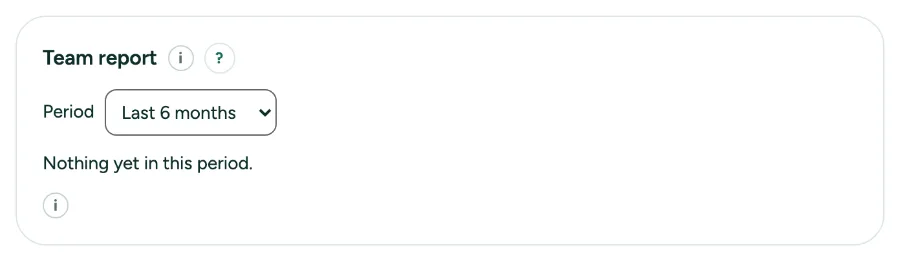
The Team report card with the period and the table.

Team report: step by step

  1. 1. Open it

    Open Settings, tab Office, and go to Team report.

  2. 2. Pick a period

    Choose the last 3, 6 or 12 months. The Total row adds it up.

Messages you may see

  • Exports count from 28 September 2026 and only when saved to the account. Homes in the trash do not count.

Related

Still stuck?

Questions about “Team report”? Send us a message and tell us what you tried. We will help you from there.

Start with your first floor plan

Your first home is free for 30 days, no card needed. After that: $5 per home, or Pro from $24 a month.

Start for free

or sign in with a code by email