A room divider splits an open space, like a kitchen and a living room, into two rooms without a wall. Nothing is taken off the area.
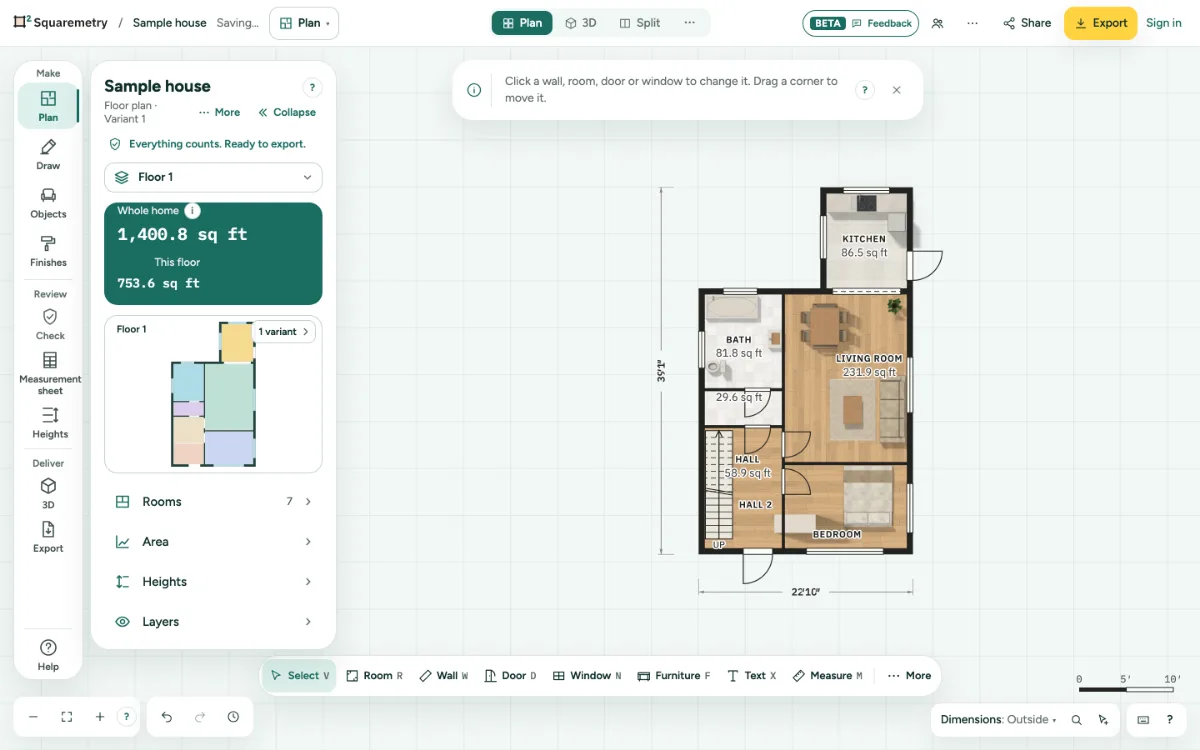
Split a room without a wall: step by step
1. Draw it
Press B, or choose Room divider under More at the end of the toolbar. Click on a wall where it starts, then on the wall where it ends.
2. Name both rooms
Each side is now its own room. Select them to give each a name and type.
Shortcuts
- B
- Room divider
Messages you may see
- A divider this short splits nothing. Click farther from the start.
- A divider can not lie on a wall. Draw it across the room.
- This divider does not close off a room yet. End it on a wall or on another divider.