Connect a laser with Bluetooth. Choose a wall or a room, press measure on the laser, and the length or ceiling height goes straight into the plan.
A Bluetooth laser distance meter: step by step
1. Connect
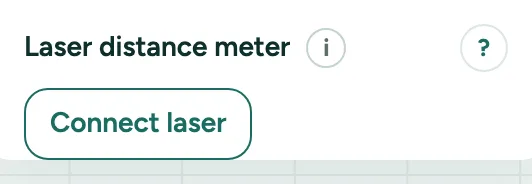
Click Check in the rail (Review), open More for professionals in the card on the right and click Connect laser. Pick the laser in the window of the browser. This works in Chrome on Android and on a computer.
2. A wall
Choose a wall and measure inside, from wall to wall. The wall gets that inside length; the wall at its end moves along, so the room stays square.
3. A room
Choose a room and measure from the floor to the ceiling. The room gets that ceiling height.
4. Where it came from
Both get the source Laser. Each measurement is one step that Undo takes back. The laser label on the plan says where the next one goes.
5. Nothing chosen
Measured without a wall or room chosen? The measurement waits. Choose one and click Use with the measured value, like Use 3.42 m, on the laser label.
Messages you may see
- The laser is no longer connected. What you measured stays in the plan.
- This browser cannot connect to a laser. Use Chrome on Android or on a computer, or type the measurement.