Show the plan full screen with the rooms and totals, without tools. To show a client on your own screen.
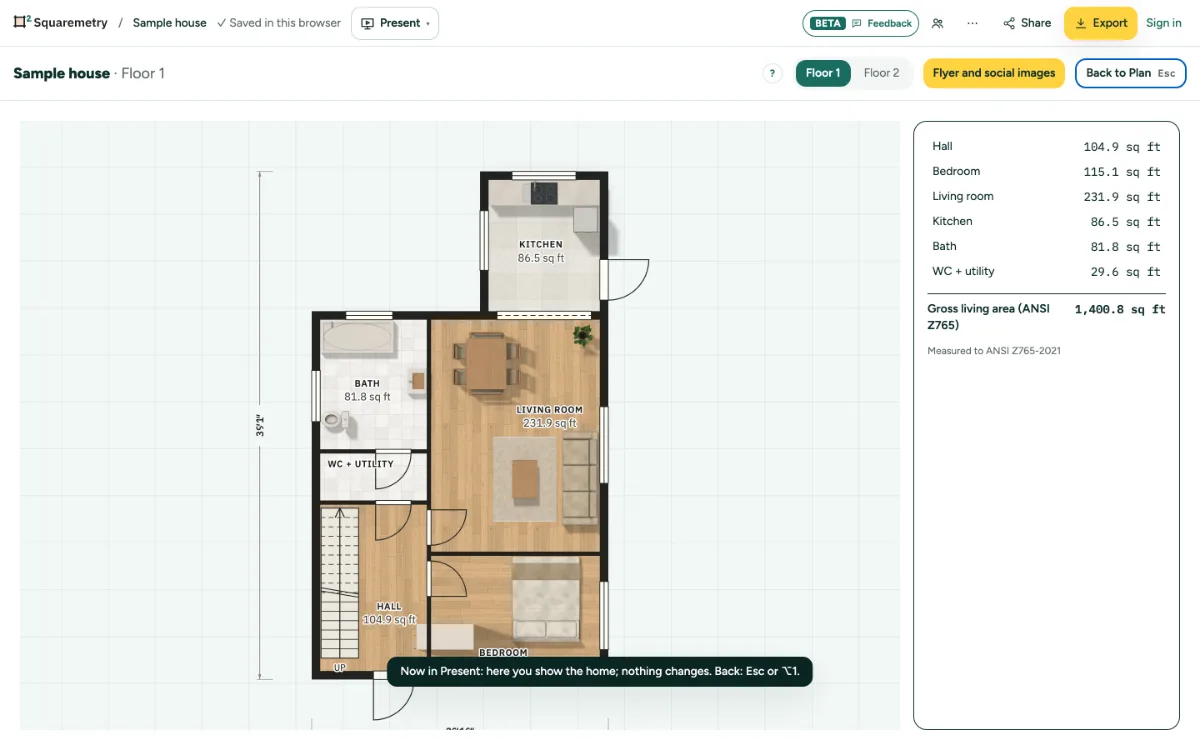
Present: step by step
1. Open it
Present is a button in every place, not a workspace. Press ⌥4, pick Present at the bottom of the Workspace menu at the top left, or click Present under Share. Present opens below the same top bar.
2. Show the plan
Pick a level if there are more. Tap a room to point at it; nothing changes.
3. Go back
Press Esc, or click Back to Plan. You are back in Plan.
Shortcuts
- ⌥4
- Present, from every place
- Esc
- Stop, then Select, then let go
Messages you may see
- Nothing to show yet. Draw a room first.