See how often a view link was opened and how long people looked at each room. Without cookies and without personal data.
You need a free account for this.
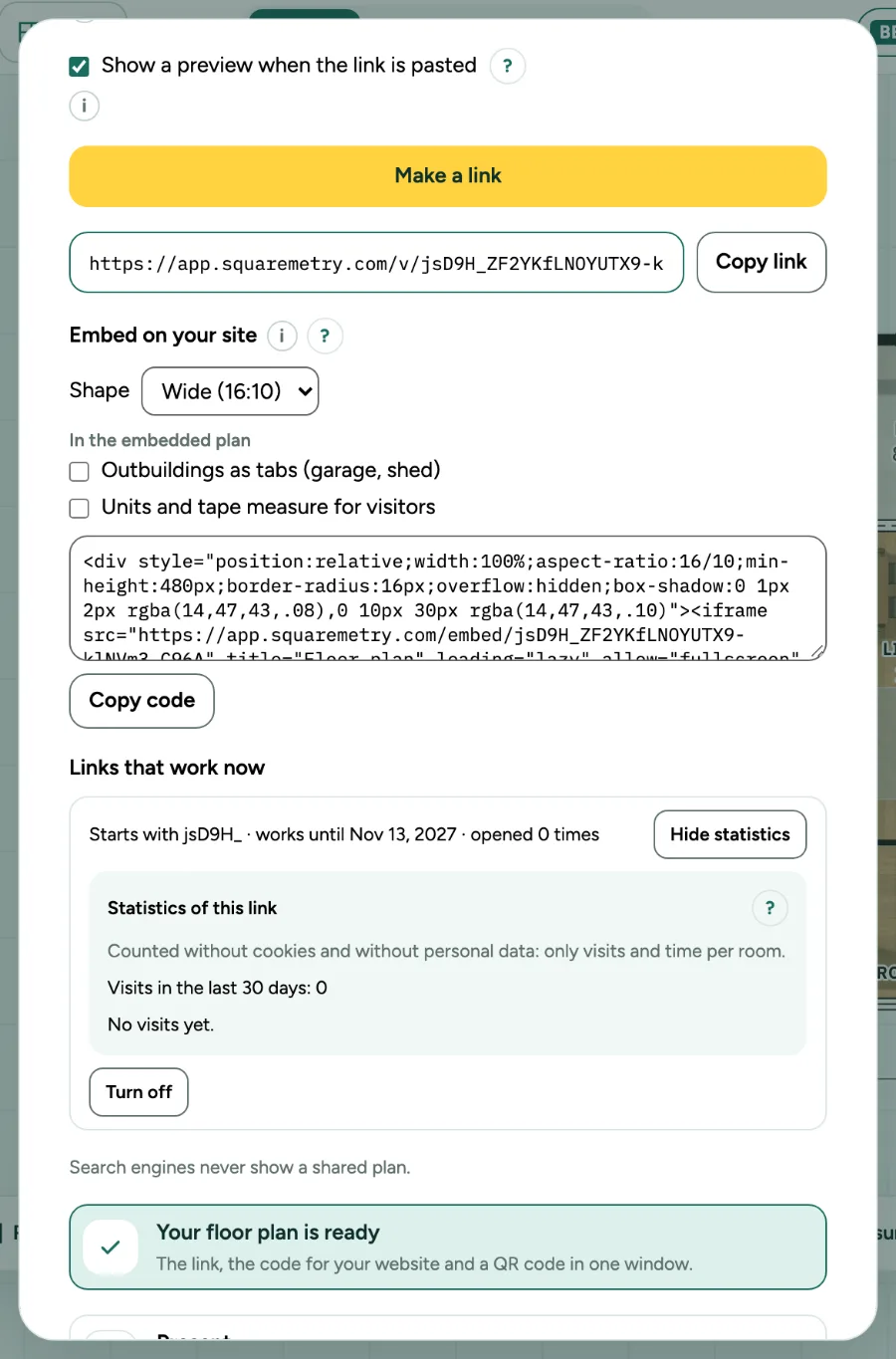
Statistics of a view link: step by step
1. Open the statistics
Open Share and click Statistics at a view link. You see the visits in the last 30 days, the time looked and the visits per day.
2. Time per room
Seconds count for the room someone chose, or the whole plan, only while the page is visible and someone did something in the last 30 seconds.
3. What is not kept
No cookies, no IP address, no name or device. A visit cannot be traced back to a person.