Draw at the same time as others who have the home open, each in their own colour, and put pins with questions on the plan. Working together needs a home in your account or an edit link; comments work everywhere.
You need a free account for this.
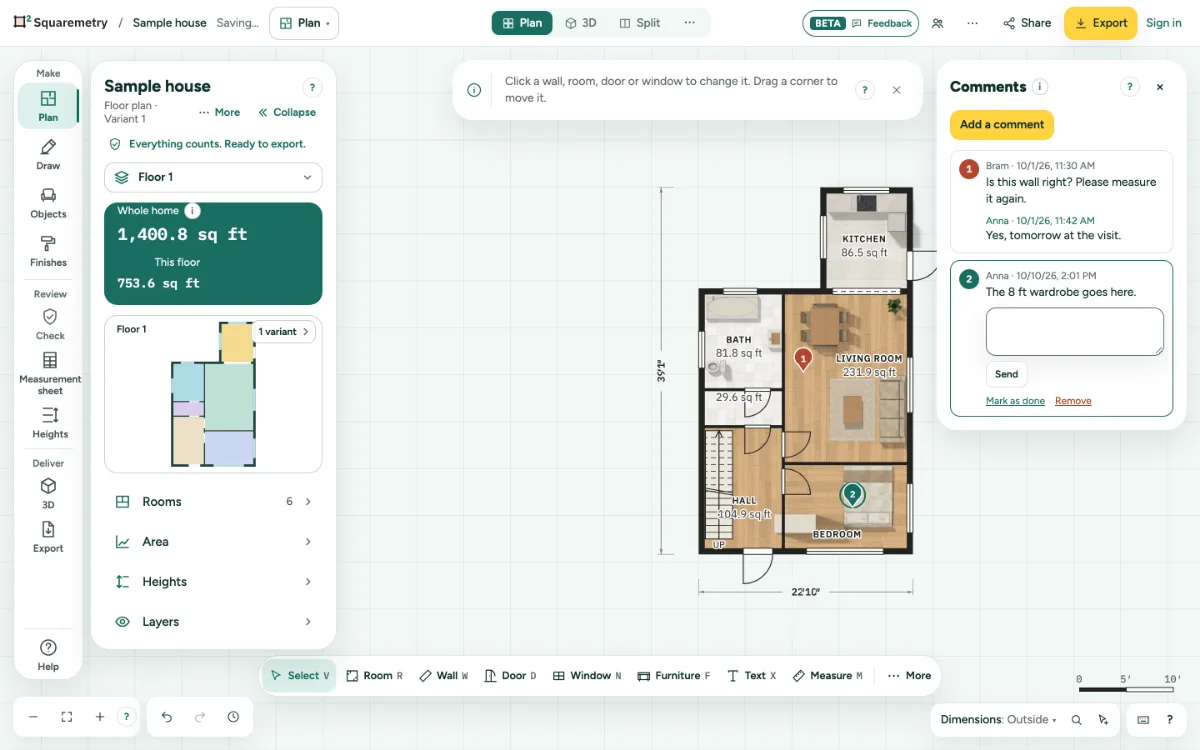
Work on a home together, live, and leave comments: step by step
1. Start
Click Together in the top bar. Fill in Your name and click Work together. You see Working together · only you so far, or how many are here.
2. Invite someone
Make an edit link under Share, or invite someone from your team. When they open the home and click Work together, they first get the plan as it is now.
3. Draw together
Everyone has their own colour and a cursor with their name. Changes go along within a moment. When two people change the same thing, the last change counts, and the other sees a short note. One person saves the plan for everyone; when that person leaves, the next one saves what was waiting.
4. Undo and no connection
Undo (⌘Z) takes back only your own step, not what others did. Without a connection you keep drawing; your changes go along when it is back.
5. Leave a comment
Under Together, click Comments. Click Add a comment, click on the plan where it goes, type it and click Place comment. The pin gets your colour and a number.
6. Reply and finish
Reply under a comment, or click Mark as done; Show done brings it back. Comments are saved with the home and go along when you work together. They are never on the drawing or in an export.
Shortcuts
- ⌘Z
- Undo
On Windows and Linux, use Ctrl where the Mac has ⌘.
Messages you may see
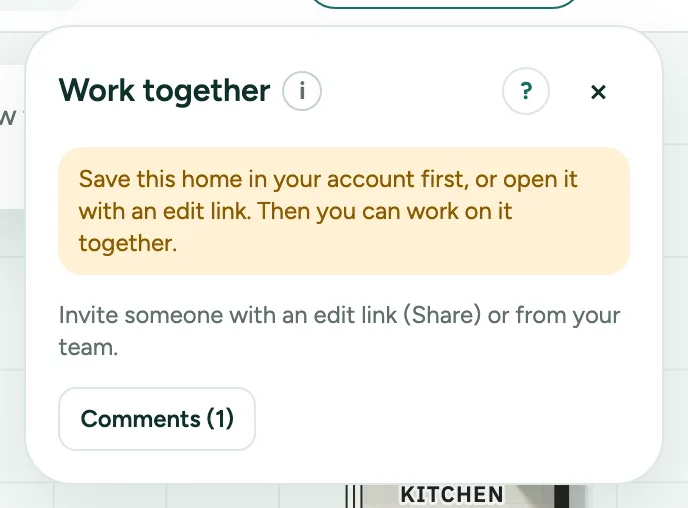
- Save this home in your account first, or open it with an edit link. Then you can work on it together.
- No connection. Keep drawing; your changes go along when it is back.
- Anna changed this at the same time. The last change counts.
- You can follow along, but not change this home.
- Write a comment first.