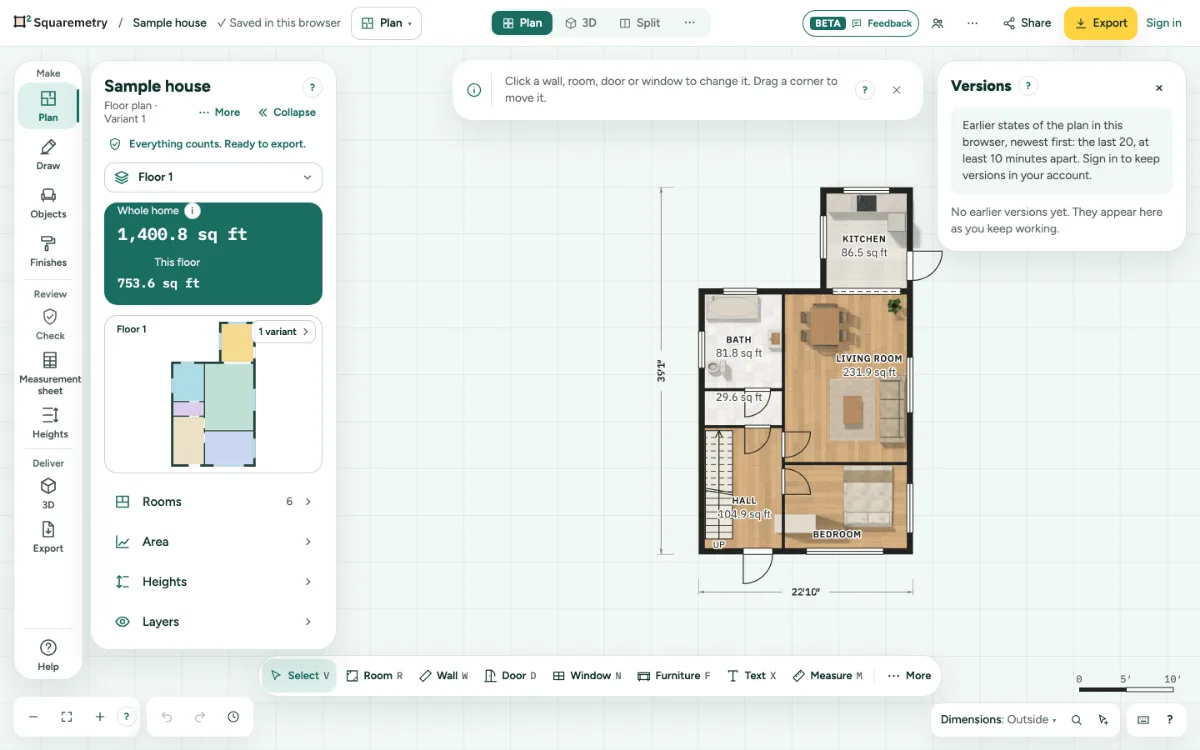
Versions lists earlier states of your plan, newest first. Restore one, or download it as a file.
Go back to an earlier version: step by step
1. Open Versions
Click … at the top right, open File and choose Versions…. In My homes, the details of a house also have Versions.
2. Pick a version
Each line shows when it was saved. In your account you also see who saved it.
3. Restore or download
Click Restore this version. The state before it is kept as a version. Changes that are not in your account yet are saved first; if that is not possible, nothing is restored and the window says why. Or click Download as file for a .sqm.
Messages you may see
- No earlier versions yet. They appear here as you keep working.
- You are offline. Restoring needs a connection; nothing has changed.
- Not restored: your latest changes are not in your account yet and would be lost. Nothing has changed. Restore again once the bar says the plan is saved.