Turn round your model, slide the view and zoom to the mouse. Any tool keeps working while you look.
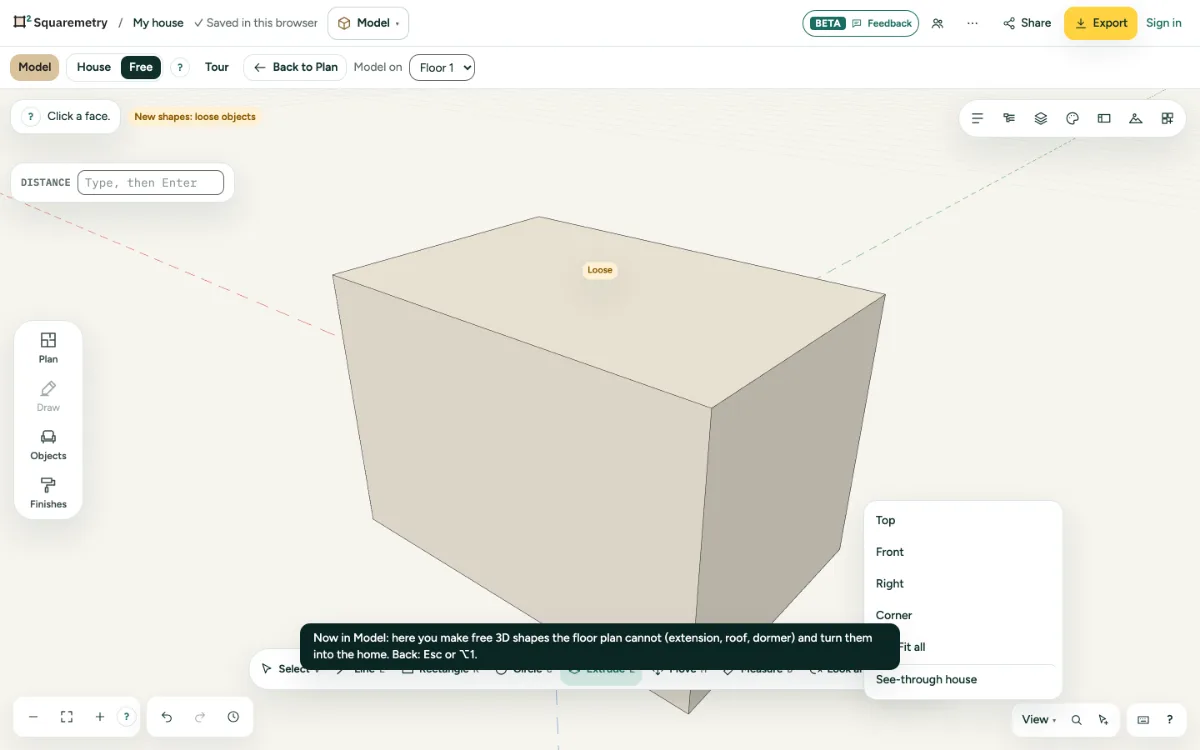
Model: look around, slide and fit: step by step
1. With the mouse
Drag with the middle button to look around and with the right button to slide. The wheel zooms to the mouse.
2. With a tool
Press Q to look around or H to slide with the left button.
3. Set views
Open View at the bottom right for Top, Front, Right and Corner: they put the camera straight; Z or Fit all shows everything.
Shortcuts
- Q
- Model: look around
- H
- Model: slide
- Z
- Model: fit all in view