Two clicks give the distance and the angle with the ground. Nothing is added to the model.
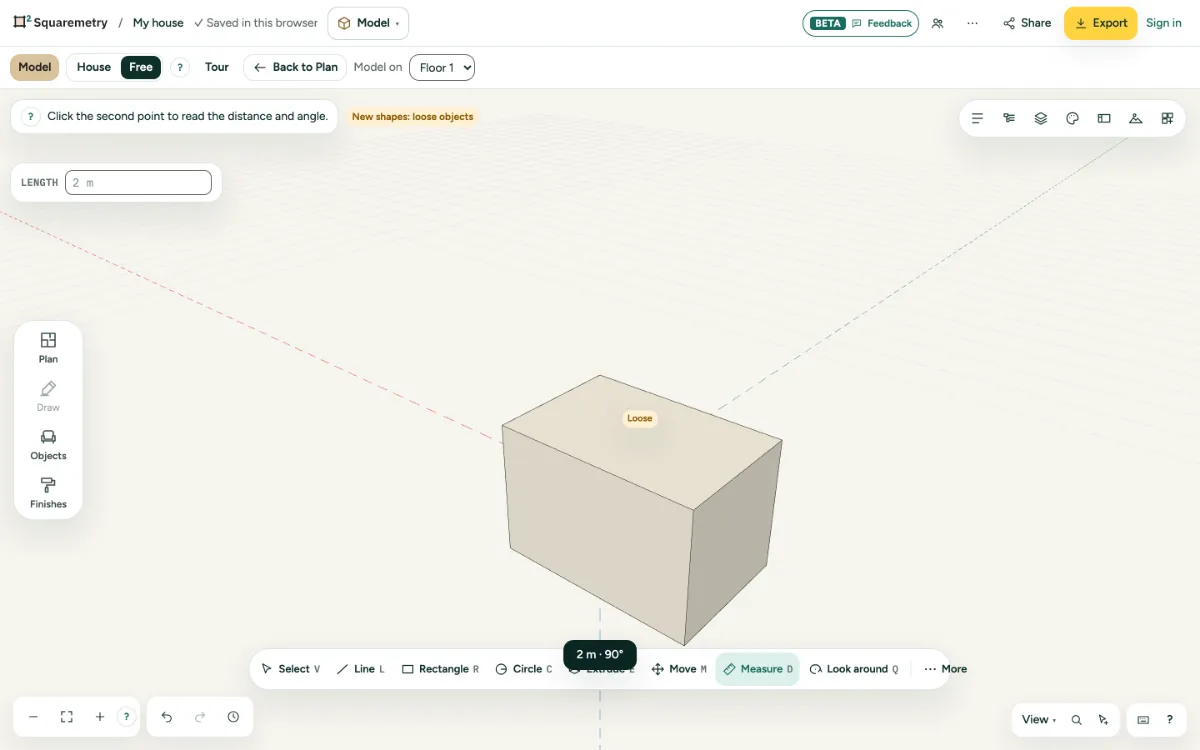
Model: measure distance and angle: step by step
1. Measure
Press D, click the first point and the second. The distance and the angle show at the bottom.
2. Snap
The same snap points as when drawing: corners, middles, edges and faces, also of the house.
Shortcuts
- D
- Model: measure