New edges at a set distance from the edge of a face: a window frame, a border round a terrace, a wall thickness.
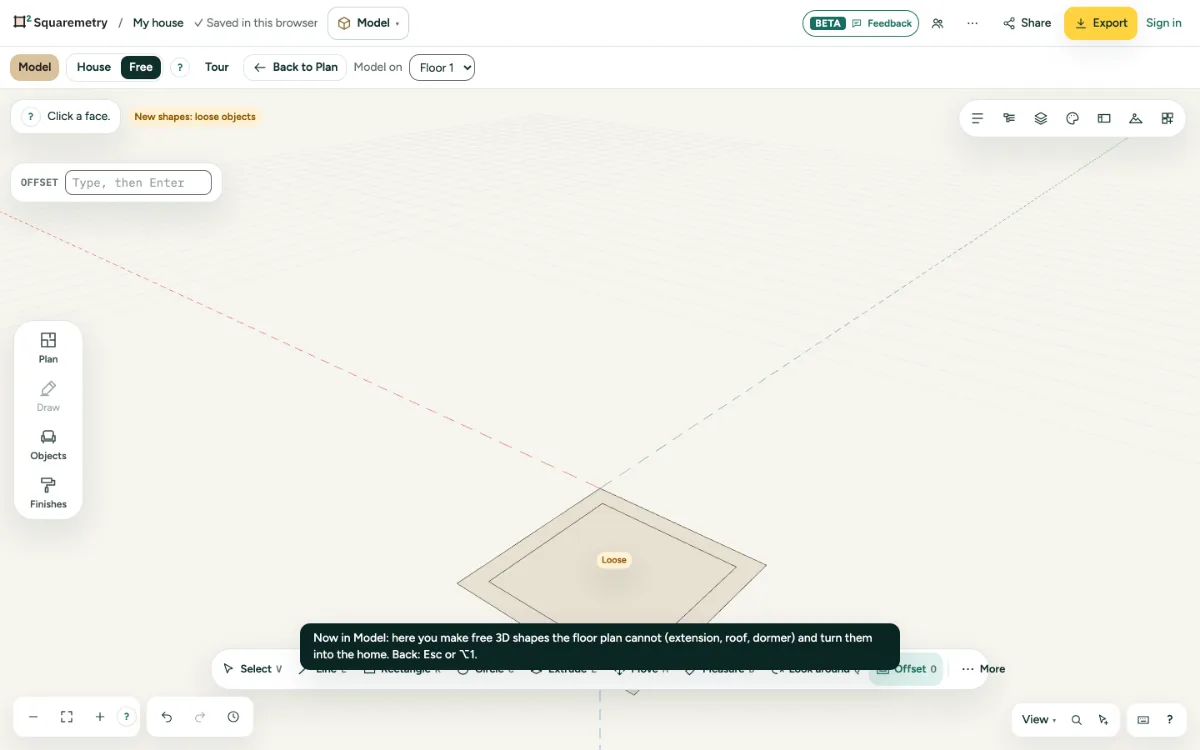
Model: offset edges inside or outside a face: step by step
1. Offset
Press O, click a face and move inside or outside. Click, or type the distance and press Enter.
2. Then extrude
The new edges split the face, so you can push the middle in or pull the border out.
Shortcuts
- O
- Model: offset
Messages you may see
- Too far: the face is not that wide.