Skip to the content
FIRST HOME FREE 30 days of exports without the mark, no card
Modelling in 3D

Model: paint colours and materials

Guide: Model: paint colours and materials · · 1 min read

Give faces a colour or a material. Front and back can differ. Paint shows in Model, in 3D and in the export.
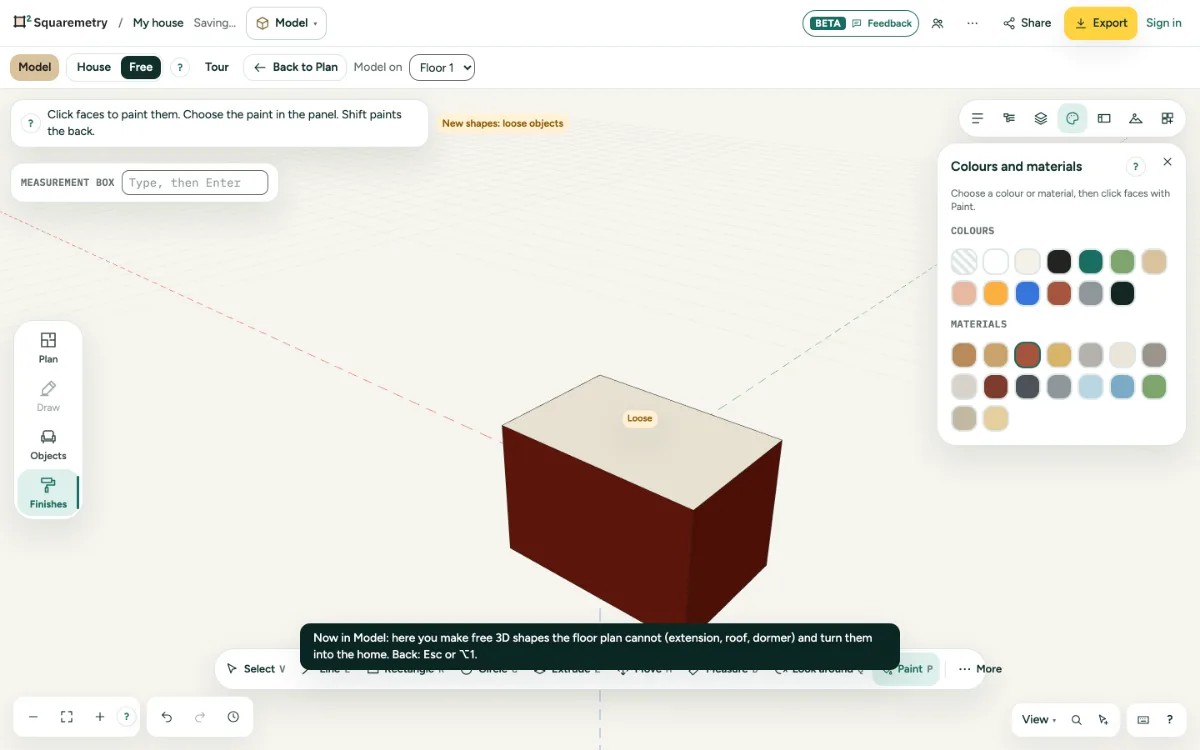
Colours and materials open, with painted faces on a block.

Model: paint colours and materials: step by step

  1. 1. Choose the paint

    Open Colours and materials on the right and pick a colour or a material, such as brick, wood, concrete, glass or grass.

  2. 2. Paint

    Press P and click faces. Click a group to paint all of it. Shift paints the back of a face.

  3. 3. No paint

    Pick No paint to take it off again.

Shortcuts

P
Model: paint

Related

Still stuck?

Questions about “Model: paint colours and materials”? Send us a message and tell us what you tried. We will help you from there.

Start with your first floor plan

Your first home is free for 30 days, no card needed. After that: $5 per home, or Pro from $24 a month.

Start for free

or sign in with a code by email