Two clicks or two sizes. On the ground, or on any face to split it and pull a part out.
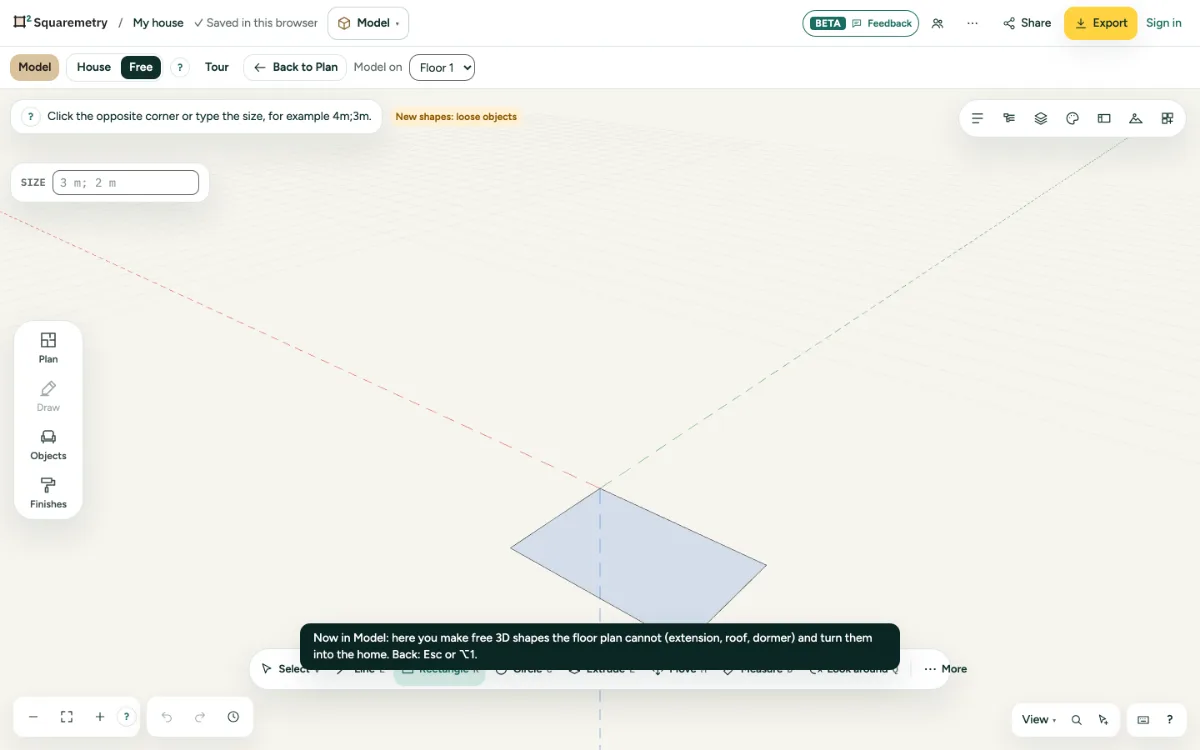
Model: rectangles: step by step
1. Draw
Press R, click the first corner and the opposite corner.
2. Exact size
After the first corner, type two sizes with a semicolon, for example 4m;3m, and press Enter. The sides follow the mouse.
3. On a face
Start on a face and the rectangle lies on that face. It splits the face, ready to extrude.
Parts on the screen
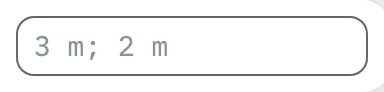
Measurement box. What you type goes here: a length, two sizes like 4m;3m, sides like 6s, or 3x after a copy. Enter sets it.
Shortcuts
- R
- Model: rectangle
Messages you may see
- That is smaller than 0.1 mm. Model sizes count in tenths of a millimetre.