Everything you make in Model is either part of the house (it becomes walls, a storey, a roof or an opening, and counts) or a loose object (a garden shed, furniture, an artwork: it never counts). House and Free at the top set what new shapes become; each shape keeps its own kind.
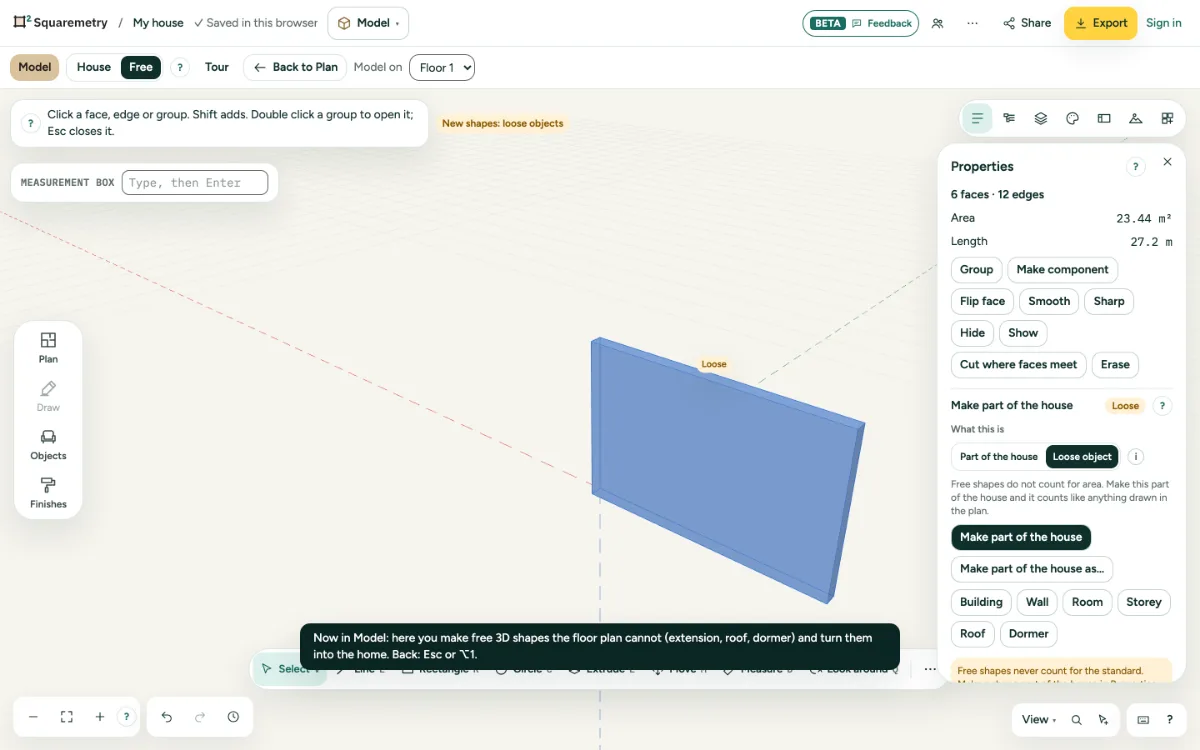
Model: a whole house, or loose objects that never count: step by step
1. Start a house
Choose House at the top. On an empty floor the first block becomes a building with outer walls, the outside on your shape, so the usable area is smaller than the shape, as with a house drawn in the plan. A block beside the house becomes an extension, on top of the walls a storey, on a sloped roof a dormer, a rectangle on a wall a door or window (a door may start up to 15 cm above the floor).
2. Inner walls
A thin block (up to 35 cm) on the floor inside the house, at least 1.5 m high, becomes an inner wall. Its ends join the walls it touches, so it divides the room into two rooms.
3. Part of the house or loose object
Choose a shape. In Properties, What this is shows Part of the house or Loose object; click the other to change it, and undo changes it back. A loose object shows Loose, never counts and never turns into walls by itself, also when you switch to House or move it against the house. With Free at the top, new shapes are loose objects. Parts from the library are loose objects too; the Stair shape is not a stair that counts.
4. Make part of the house
Make part of the house does what House does. Make part of the house as… lets you choose Building, Wall, Room, Storey, Roof or Dormer yourself: a face of 4 x 3 m becomes a room of 12 m². Building next to a house that is already there makes a separate outbuilding (Outbuilding 1) with its own storey, measured apart and not in the house.
5. And back
Click a wall or the roof of the house in Model. Properties says it counts. Make free shape on a wall first says what goes with it, such as a door and the rooms it closes, and what the area becomes; only Make free shape in that question takes it out of the plan as a group.
6. Outside Model
Shapes from Model never count, and the other editors say so: a line under the area in the plan and in Check (1 loose object, does not count), Loose on the plan, a legend on the export, and a DXF layer LOOSE-OBJECTS. Duplicating a variant takes them along; deleting a floor says how many went with it.
Parts on the screen
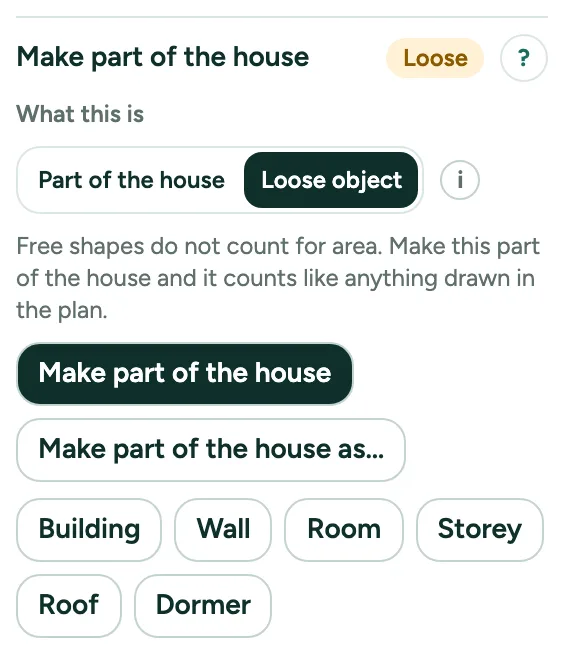
Make part of the house. Make part of the house puts the chosen shape in the plan as what the house recognises; Make part of the house as… lets you choose. Then it counts.
Messages you may see
- Now a building: outer walls around it, the outside on your shape. It counts for area.
- Now an inner wall, joined to the walls it touches. It divides the room.
- Now an extension: walls around it, against the house. It counts for area.
- Now a loose object. It never counts.
- This block lies partly inside the house. It stays a free shape and does not count. Move it against the wall and it becomes an extension.
- Now a door in the wall.