Your account works on two devices at a time, on every plan. Sign in on a third and the device that signed in first is signed out.
You need a free account for this.
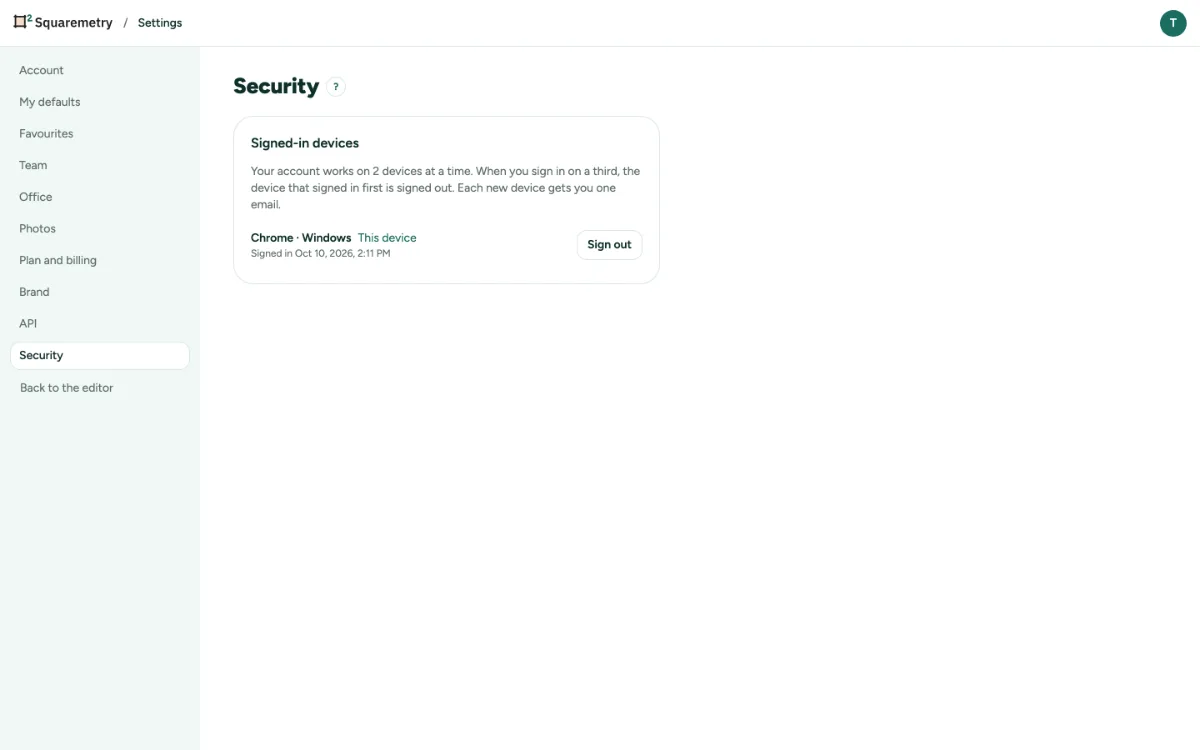
Signed-in devices: two at a time: step by step
1. See your devices
Open Settings, tab Security. Under Signed-in devices you see each device and browser, when it signed in, and which one is This device.
2. Sign one out
Click Sign out next to a device. Sign out next to This device signs you out here. It works like Sign out in the Account menu: your plan stays in your account and this browser starts with a new plan. Changes that could not reach your account yet are kept apart in this browser; if this browser cannot keep them apart either, you stay signed in and nothing is removed.
3. A third device
When you sign in on a third device, the oldest one is signed out. On that device a short message says you signed in on another device. Signing in again on the same browser does not count as a new device.
4. An email per new device
Each new device gets you one email with the device, the browser and the time, never an IP address. Your very first device sends none.
Messages you may see
- That device is signed out.