Show your own logo and a contact button in the plan you embed on your own site, and your logo on your exports. Never on the plan itself. This comes with Pro and Team.
This needs Pro.
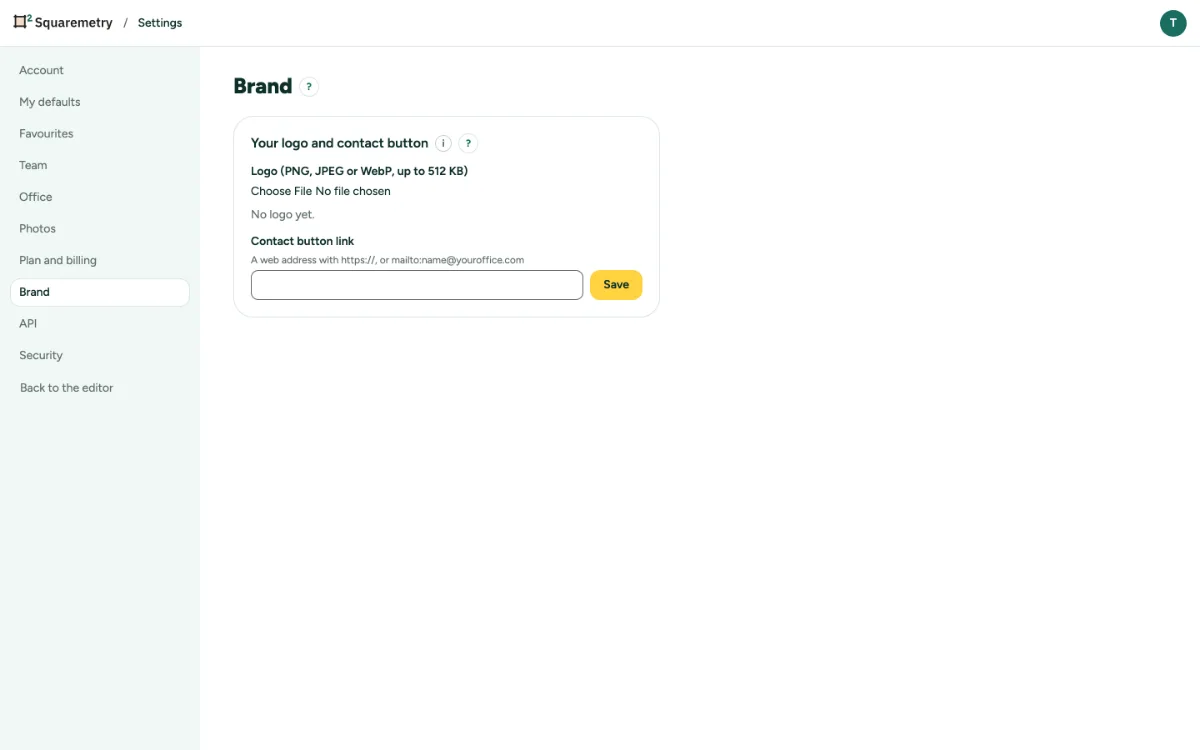
Your logo and contact button on embeds: step by step
1. Open Brand
Open Settings, tab Brand.
2. Add your logo
Choose a Logo: PNG, JPEG or WebP, up to 512 KB. SVG is not possible, for safety.
3. Add a contact link
Type a Contact button link, with https:// or mailto:, and click Save.
4. On your exports
With Pro your logo is at the top of every PDF, PNG, JPG and SVG of a home in your account. A team uses its house style first; without a logo there, this logo. Without Pro, or during the trial, exports have no logo.
Messages you may see
- Your own logo and contact button come with Pro.
- This file is larger than 512 KB. Choose a smaller logo.